A weekend at work with an iPad
First appeared in issue 2 of Padder, 20th July, 2011.
I have many roles, but one of them is a little more demanding of hardware than the others. For a handful of weekends a year, I turn my talents to the paddocks and tracks of World Superbikes and MotoGP, armed with an iPhone, a brace of cameras and a 3G iPad; I rent massive lenses and face down the fire-breathing machines at the sharp end of the world championships for MotoRaceReports.
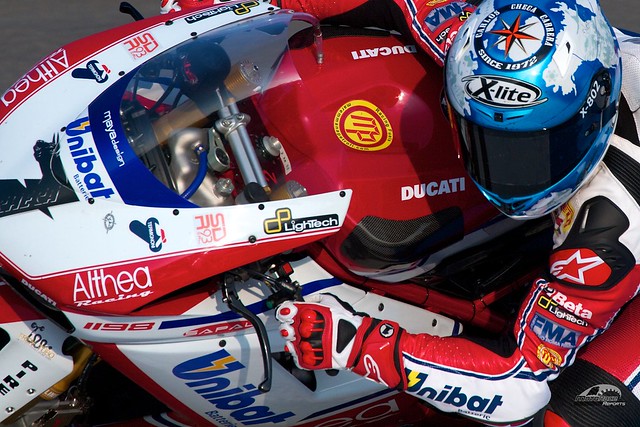
Ditching the MacBook with Aperture/Lightroom installed, and relying on an iPad, was at first a scary proposal, but when I realised how little actual retouching I do on-site, I figured it was worth a go. After having done it a few times, I’ve upgraded to a 64GB iPad 2, but I can’t see myself returning to lugging a laptop around.
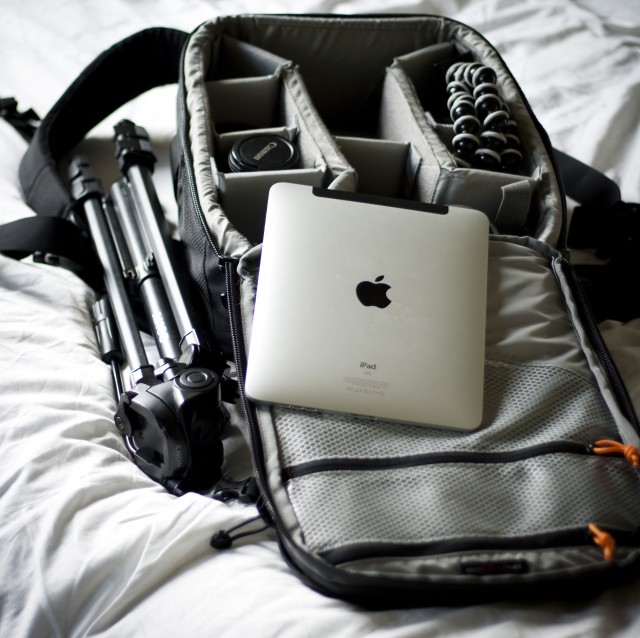
Taking photos of motor sports is a tricky vocation and I won’t bore you with the technical side of it, but if you imagine I can return from a weekend’s work with well over 40GB of photos, you should understand the daunting scale of certain aspects, especially when I don’t end up with 40GB of usable photos. Slapping the camera kit in the iPad and attaching a big SLR full of photos, I can pick one or two photos in a session to upload to Twitter or our website, depending on the subject. All this is possible without spending money on Apps, surprisingly. I’ll describe my workflow and you should see how simple it is to get photos from trackside up on to the internet before anyone else.
Firstly, take the photo. That’s the hardest bit to get right, but let’s assume you can get a decent picture you want to share. Connect the camera to the iPad and get the Raw photo into the Photos application. At this point, you are allowed to be impressed how well the iPad deals with noise on high ISO photos and remark as to how it’s just like Aperture in that respect. From here, you’ll need to size the image to a reasonable twitter size and convert it to JPEG or PNG. I do this with a major time-saving cheat: I zoom the photo to how I want it to look in the Photos app and take a screen grab. If it needs rotating to landscape, I do this in Adobe’s free Photoshop Express for the iPad. Then, I tweet the resulting photo and Boom™, it’s on the internet.
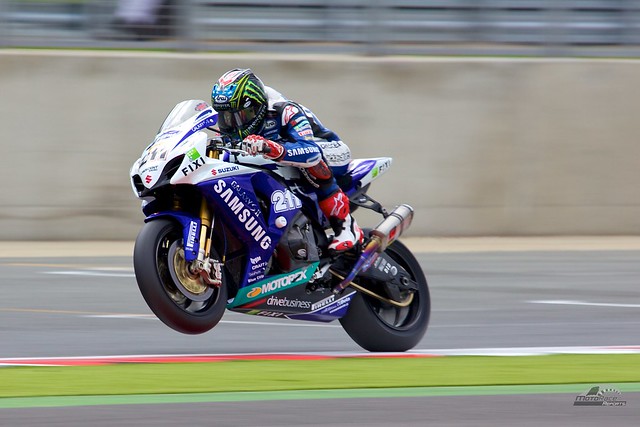
You will get a few odd glances from other pros if you’re doing this trackside, but many of them are on a lot slower turnaround. In the Media Centre or the bar, showing your pictures to your friends and colleagues is a lot easier on an iPad too. I’ve seen Netbooks cropping up for those filing copy, but I’ve not seen any other photographers using an iPad yet, although some have taken an interest.
Could I recommend that other photographers ditch the laptop for an iPad? I think so, as long as they have a workstation at home for the post-event editing. The iPad cannot replace a computer, but it can lighten the load while photographing al fresco, and that means more space for bigger lenses in the camera bag.
Update to the original article: I now use Photogene for raw conversions and edits. It’s great.

Jared Earle is a writer, photographer and systems administrator. You can find him on Twitter most of the time.